The Google Assistant-powered Home Mini provides excellent value for your money with outstanding audio, snappy microphones, and various capabilities, including smart home control and the ability to perform as a language converter. You need to know how to Factory reset a google home mini.

The Google Nest Mini, the current-generation speaker, is about $50. However, you can frequently find a discount and grab the gadget for under $30. First- and third-party programmers have produced a wide range of interaction abilities and features that are powered by the incredibly intuitive Google Assistant, making the initial version or first-generation Google Home Mini a fantastic player for a smart home of any type.
Notwithstanding its utility, you might well be looking at how to Factory reset a google home mini and wishing you had a touchscreen or even an Alexa device alternatively, given the variety of new voice technology and currently available devices.
Of course, I also offer some advice on how to sell your old speaker for a respectable sum of money. This post will help you to reset your Home Mini completely. You can utilize these tutorials to resolve things with a Google Nest Mini or perform a factory reset on a Google Home Hub.
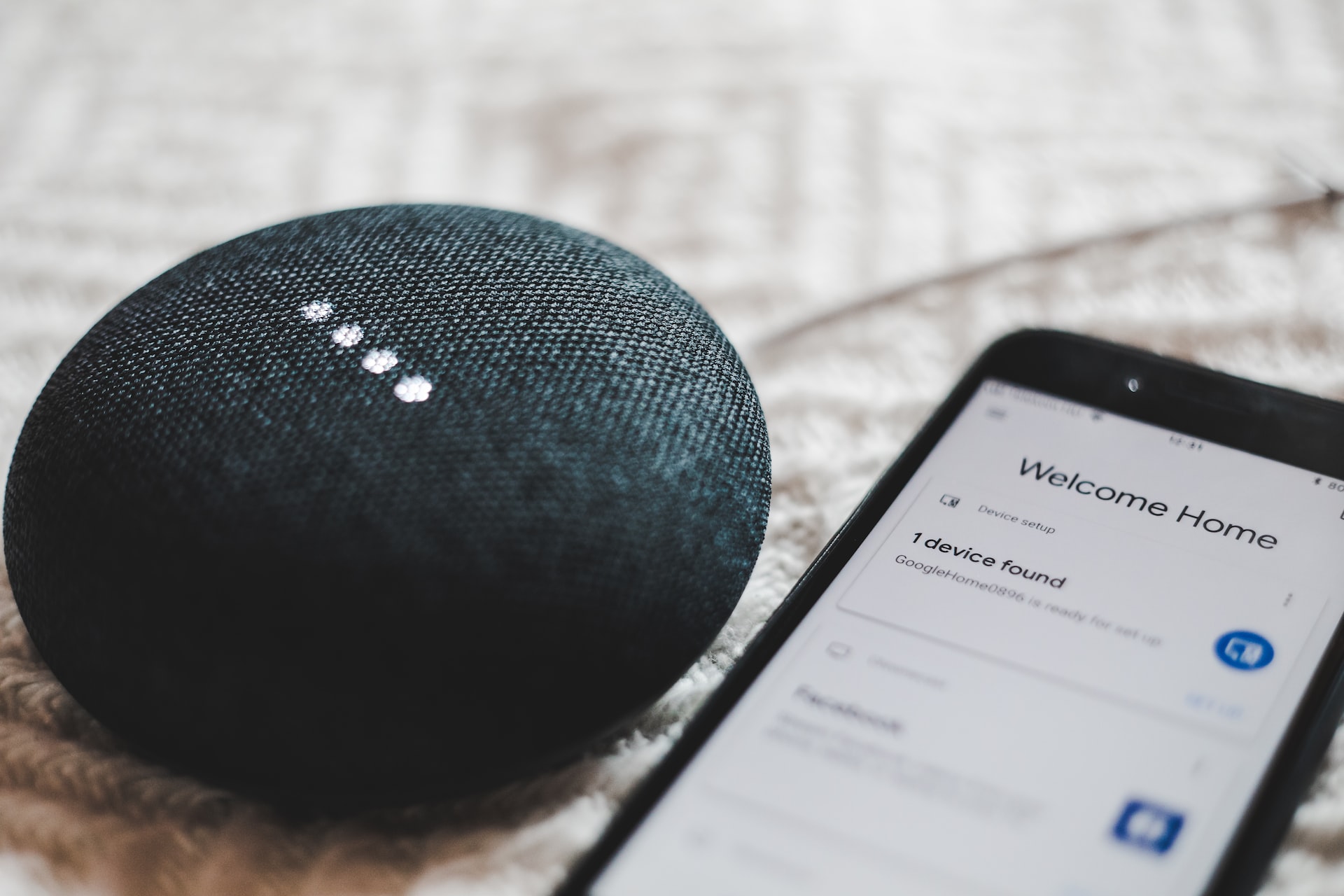
Table of Contents
How to Factory Reset Google Nest Mini (2nd Gen)
You need to know that the Google Home Mini is now available in two generations. Turn the speaker over to see which one you possess if you’re unsure. The Google Nest Mini, a second-generation model, is the one with the slot of a wall-mount screw. If there isn’t even a single screw slot, it’s a first-gen.
Step 1: First, locate the microphone on/off button on the outside of your smartphone. Put that switch in the off place first. Your speaker’s upper LED lights should pulsate orange.
Step 2: The device will automatically start the factory reset procedure after roughly five seconds. Hold until nearly 15 seconds more. A ding should then sound to let you know the reset procedure is finished.
How to Factory reset Google Home Mini (1st Gen)
The reset button is found on the bottom of the original Mini, just beneath the electrical supply. Please be aware that the Google Home application cannot be used to do a factory reset. Only the keys on the speaker can be used to reset devices from either version. Clearing the device’s information and conducting a factory reset will make it suitable for a new user.
Step 1: Hold and press the reset button for approximately 10 to 15 seconds to do a factory reset on your gadget.
Step 2: When your factory reset is finished, a chime will sound like a second-gen reset.
Trading in Your Google Home Mini
You can swap your Google Home Mini in many shops for yet another item. A fully functional Google Home Mini will cost around $4 at Target and Walmart. The advantage of trading in or selling your gadget at some of these superstores is that the transaction is simple and quick. Be mindful that you certainly won’t earn as much money from it as you would if you immediately gave it to someone else. However, your circumstance might call for a swift commercial deal rather than one that costs more.
On a variety of platforms, including Swappa, eBay, and LetGo, you can exchange your Home Mini with a potential buyer. You will undoubtedly make more money selling it on Swappa compared to if you attempted to do so at Target or Walmart because Swappa’s usual price is roughly $20.

A Google Home Mini Reboot
You may try rebooting your Mini first rather than Factory resetting it and removing your private information and configuration.
Disconnect the device for about a moment, then plug it back in to perform a power cycle to reboot. You need to use the Google Home app on iOS or Android will also restart your device.
- You can choose your Mini or Smart speaker by opening the Google Home app.
- After tapping the Settings (gear) key (three dots), click the More icon.
- In the menus, select Reboot, and then verify that you want to reboot.
Why Should My Google Home Device Be Reset?
A factory reset is only appropriate when the Google Home is being sold or when trying to solve a recurrent issue.
An infrequent factory reset may be your only choice, even though this requires starting the speaker from begin. Using the abovementioned techniques, you can reset the factory settings on your Google Home or Nest Mini. And, of course, in most situations, it will assist in making it functional once more.
How can I Tell if my Home Mini is the First or Second Generation?
The 1st Gen Google Home Mini and the 2nd Gen Google Nest Mini have the same appearance. Additionally, the measurements match. Some users could occasionally be unsure of which gadget they actually own.
Any one of the subsequent four techniques will reveal if the Home Mini is the 1st Gen or the 2nd Gen (Nest Mini):
- Your gadget is a second-generation Google Home Mini if it has a clip for wall mounting on the bottom (Google Nest Mini).
- Your device is a first-generation Google Home Mini if a USB cord powers it. The Google Nest Mini (2nd Gen) makes utilizes a specific electrical supply.
- Your device is a Google Home Mini from the first generation if it has a reset button on the bottom, near the USB port. There is no reset button on the second generation.
- Your gadget is the 2nd Gen Google Home Mini if the model number is H2C. (Google Nest Mini). The first generation should utilize the product code H0A. On the bottom, the model number and FCC ID are printed.

Conclusion
When trying to sell your Google Home gadget or sending it to the retailer, clearing it is a prevalent cause to reset the device. Any Google Home gadget that is reset will erase all your private details, including bank details.
One could also consider how to Factory reset a google home mini if you frequently experience internet problems or if it reboots by itself without warning. In that scenario, you should attempt a gadget reboot before resetting Google Home. Disconnect the Google Home, wait a short while, and then connect it back in to restart it.